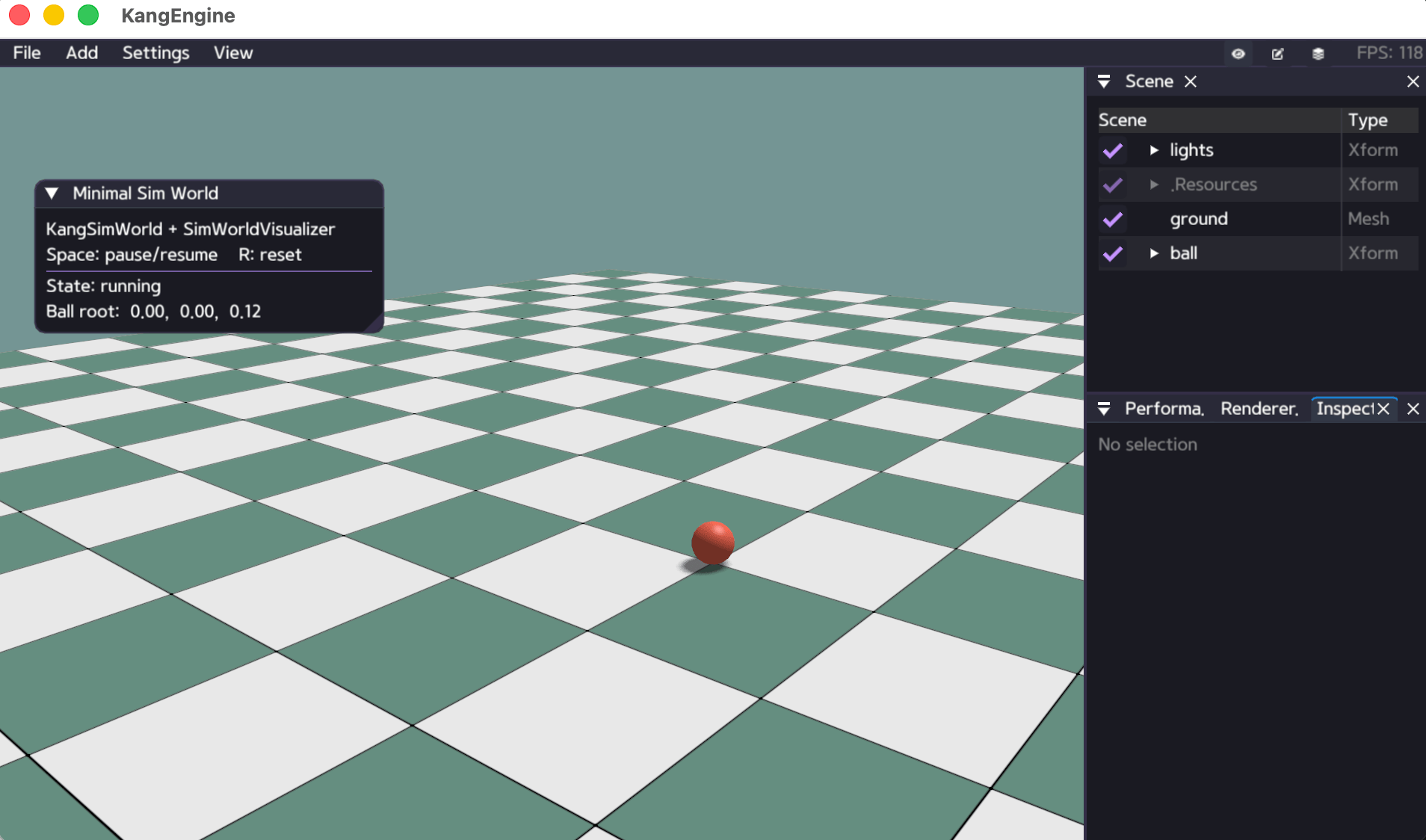
Camera and Viewer
Set an initial camera with the application helper:
self.set_camera_view(
    [3.0, -4.0, 2.2],
    [0.0, 0.0, 0.7],
)
For direct control:
camera = self.get_camera()
camera.set_near_plane(distance=0.05)
camera.set_far_plane(distance=5000.0)
camera.set_fov(fov=58.0)
camera.set_camera_pos(position=ke.Vec3(0.0, 4.0, 14.0))
camera.set_target_pos(target=ke.Vec3(0.0, 1.0, 0.0))
Use ke.keys in lifecycle callbacks for keyboard interaction and ke.imgui
for small panels. See python/examples/sim_world_minimal.py for pause/reset
controls and a state panel.
Viewer capture shortcuts:
T: save one screenshot.Shift+T: start or stop video recording.